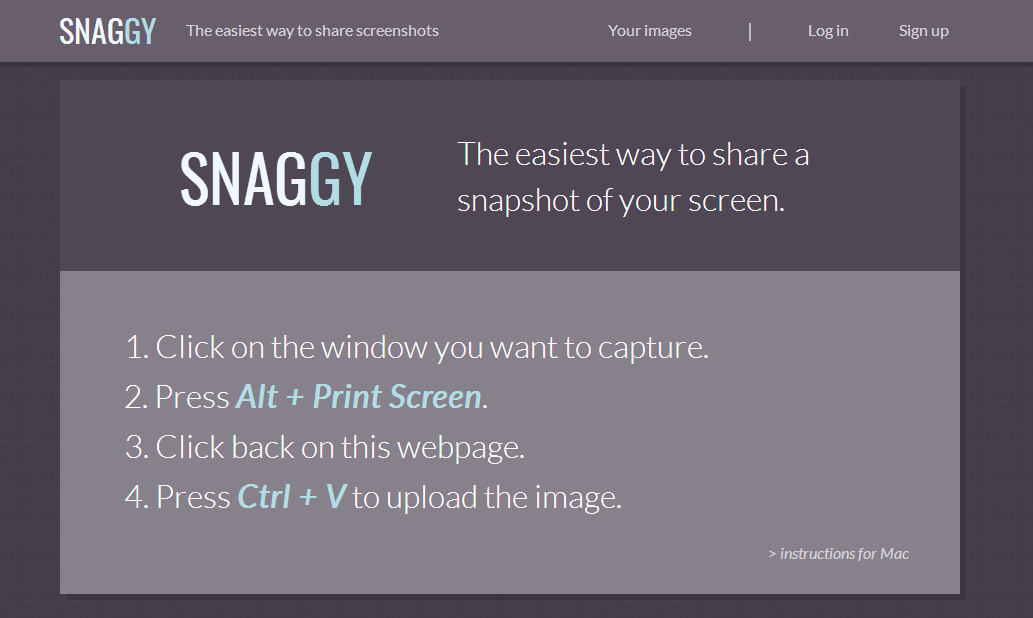
About Snaggy ( www.snag.gy )
Snaggy is the fastest way to share a screenshot without needing any downloads or installations. It’s designed with your workflow in mind by using only a minimum number of keypresses to share your images.
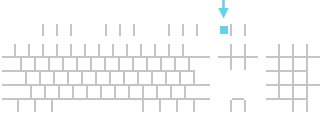
Capturing your screenThe Print Screen key is your universal screen capture button. It’s located near the top right area of your keyboard, and is sometimes abbreviated to something like “Prt Scr”.
You can use it anywhere - you don’t need the Snaggy website open. Just press it once and it’ll take a snapshot of whatever is curently on your screen and store it in your clipboard. Then, just open up Snaggy and paste it by pressing Ctrl + V.
Tips- Pressing Print Screen captures the whole screen, while Alt + Print Screen captures just the currently active window.
- As soon as you press Ctrl + V, you can press Ctrl + C to copy the image’s URL to your clipboard.
- You can paste any kind of image data from your clipboard, such as marquee selections from Photoshop or other editors.
- Take advantage of shortcut keys when using the editor. Hover your mouse over the editor’s tool icons to learn the hotkeys.